SFTP: A Practical Guide to Secure File Transfer Protocol
Learn what SFTP is, how it works, and when to use it for secure file transfers.

SFTP, or SSH File Transfer Protocol, is a secure method for transferring files between computers. It’s designed to replace older, unencrypted file transfer protocols and to work within environments where SSH is already deployed. In practice, SFTP leverages the SSH protocol to provide encrypted, authenticated access to files, allowing operations such as uploading, downloading, listing directories, and managing permissions. If you’ve used FTP or FTPS, you’ll notice that SFTP emphasizes security as a core feature rather than an optional add-on.

What SFTP is and how it works
SFTP is not merely a different port of FTP. It’s a distinct subsystem of SSH that delivers file transfer and management capabilities over a secure channel. Here’s how it works at a high level:
- It uses SSH for encryption and authentication, typically on port 22, though ports can be configured.
- All data, including file contents and commands, is encrypted in transit.
- Authentication can be password-based, public key-based, or a combination (two-factor may be used in some setups).
- It provides a consistent set of operations: open, read, write, append, remove, rename, and list, among others.
Because SFTP runs over SSH, you don’t need a separate server process dedicated to file transfers. An SSH server (such as OpenSSH) often includes an integrated SFTP subsystem, making deployment straightforward for many organizations.
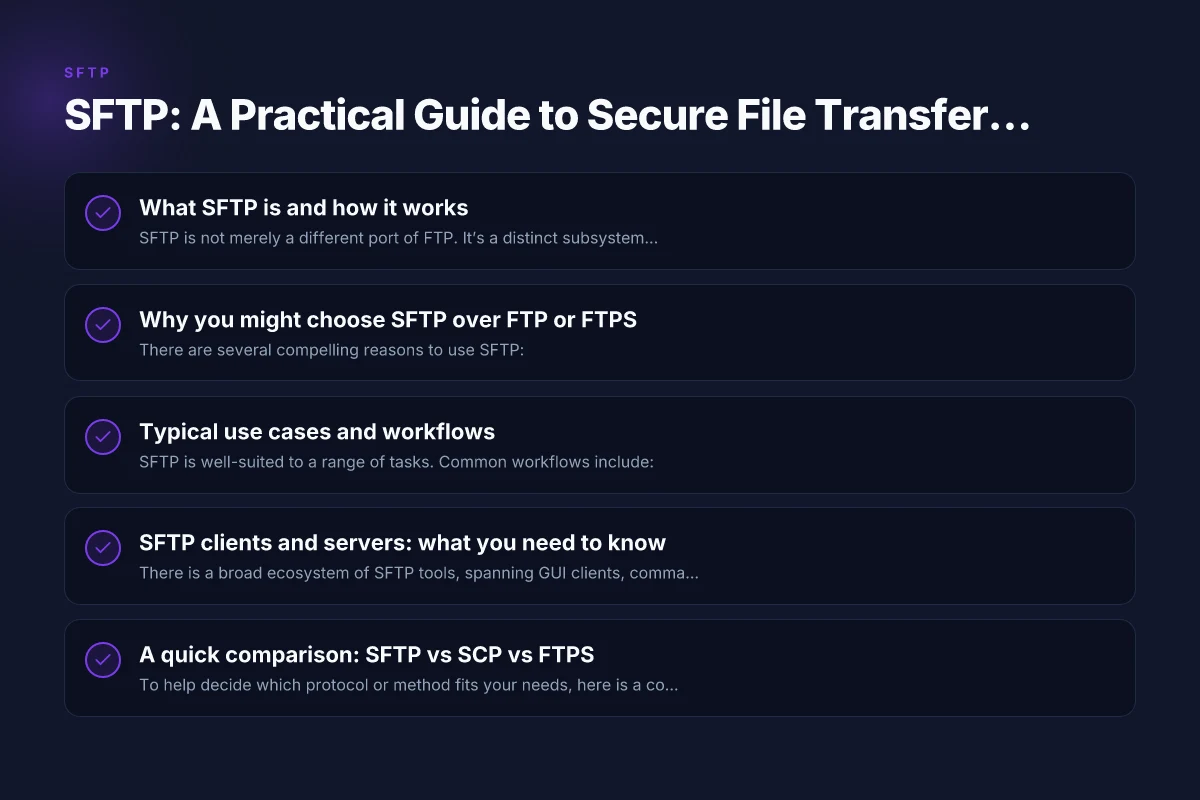
Why you might choose SFTP over FTP or FTPS
There are several compelling reasons to use SFTP:
- Security by default: encrypted data, commands, and file metadata protect against eavesdropping and tampering.
- Strong authentication options: public key authentication reduces the risk of password interception.
- Firewall friendliness: SFTP uses a single SSH connection, avoiding the complications of passive/active FTP data connections.
- Robust file management: SFTP supports a rich set of file operations beyond simple upload/download.
- Auditing and compliance: the SSH layer and access controls help with audit trails and regulatory requirements.
Compare that with FTP, which sends credentials and file contents in plaintext, and FTPS, which still has challenges with firewall traversal and certificate management. SFTP’s model is typically simpler to deploy in modern environments that already rely on SSH for remote access.
Typical use cases and workflows
SFTP is well-suited to a range of tasks. Common workflows include: Akka supplement reviews and complaints
- Regular backups: automatic, encrypted transfers of databases, log files, or full directory trees to a remote backup server.
- Content deployment: pushing website assets or application updates from a development or CI environment to production servers.
- Secure user file sharing: individuals upload files to a central server with access controls managed by the SSH user model.
- Data exchange with partners: controlled access to specific directories for collaborators without exposing the whole system.
Common tasks you’ll perform with an SFTP client or script:
- Connect to the server with a username and host (and either a password or a private key).
- Navigate directories, create folders, or remove files.
- Upload or download files, preserving timestamps and permissions when supported.
- Resume interrupted transfers and manage partial uploads (where supported).
SFTP clients and servers: what you need to know
There is a broad ecosystem of SFTP tools, spanning GUI clients, command-line utilities, and programming libraries. Here are representative options:
- Servers: OpenSSH (the most common SSH server with SFTP subsystem), vsftpd (with SFTP support via SSH), and other SSH-based servers.
- Clients: WinSCP, FileZilla, Cyberduck, and command-line clients like sftp (OpenSSH) or sshfs for mounting remote directories.
- Libraries: numerous language bindings exist (Python paramiko, Go's golang.org/x/crypto/ssh, Node.js ssh2, etc.) for building automated workflows.
When choosing a client, consider:
- Ease of use: GUI clients often offer drag-and-drop transfers and synchronized directories.
- Scripting capability: the ability to automate tasks via batch files or scripts.
- Key management: support for public/private key authentication and agent forwarding.
- Transfer features: resuming partial transfers, directory synchronization, and error handling.
Security best practices for SFTP setups include disabling password-based login on servers when possible, enforcing key-based authentication, using strong passphrases for keys, and keeping SSH software up to date.
A quick comparison: SFTP vs SCP vs FTPS
To help decide which protocol or method fits your needs, here is a concise comparison: V5 VPN: what it is, how it works, and why ZoogVPN is a solid choice
| Feature / Protocol | SFTP | SCP | FTPS |
|---|---|---|---|
| Security model | SSH-based, encrypted | SSH-based, encrypted | TLS-based, encrypted (can be complex with firewalls) |
| Data channel | Single secure channel for commands and data | Often a single channel, less flexible | Separate data channel; firewall rules can be tricky |
| Authentication | Username/password or public key | Username/password or public key | Certificate-based or username/password over TLS |
| Firewall traversal | Friendly (single port, typically 22) | Requires SSH port (22) | Passive/active modes complicate firewalls |
| Feature set | Rich file management (list, rename, delete, permissions) | Mostly copy/transfer | Full FTP capabilities with secure channel |
This table summarizes typical trade-offs. If you value simplicity and strong security with automated workflows, SFTP is often the preferred choice in modern environments.
How to get started with SFTP
Getting started is straightforward, whether you prefer a GUI or a command line. Here are practical steps:
Set up an SSH server that supports SFTP:
On Linux, install OpenSSH server (for example, apt install openssh-server on Debian/Ubuntu).
Ensure the SFTP subsystem is enabled in the SSH server configuration (usually in /etc/ssh/sshd_config as Subsystem sftp /usr/lib/ssh/sftp-server or similar). Cisco any connect
Create user accounts or restrict SFTP access with chroot/jail when needed:
For security, consider restricting each user to a specific directory, so they cannot traverse the entire filesystem.
Generate SSH keys (recommended for automation):
On your client: ssh-keygen -t ed25519 -C "your_email@example.com"
Copy the public key to the server's authorized_keys file for the account you’ll use. Tapfog: What You Need to Know About This VPN Brand and How to Use It Safely
Use an SFTP client:
GUI: WinSCP or FileZilla, configure host, port (default 22), username, and either password or private key.
Command line: sftp user@host, then use commands like put localfile remotedir/ or get remotedir/file.
Automate with scripts:
OpenSSH sftp batch mode: sftp -b batchfile.txt user@host Cisco AnyConnect: What It Is, How It Works, and Why ZoogVPN Recommends It
batchfile.txt can include put, get, ls, mkdir, rmdir, and other supported operations.
For robust automation, consider error handling, retries, and logging.
Security maintenance:
Regularly rotate keys and disable password login on the server.
Keep the SSH server and client software updated. Vnp: What You Need to Know About 5N Plus Inc. and How ZoogVPN Fits In
Monitor access logs and set up fail2ban or similar protections to mitigate brute-force attempts.
Final recommendations
- If your priority is secure and straightforward file transfer with robust manageability, choose SFTP. It integrates well with SSH-based environments and provides strong encryption, flexible authentication, and reliable directory/file operations.
- For automated deployments or backups, use key-based authentication and scripting with batch files or libraries in your language of choice.
- If you must support older systems or require a broader legacy compatibility, evaluate FTPS or SCP as alternatives, but be mindful of the trade-offs in security posture and firewall configuration.
- Consider governance and compliance needs. SFTP’s encrypted channel and SSH-based control help with audit trails and access management, but you’ll still want proper access control lists, key lifecycle management, and monitoring.
In short, SFTP is the secure, flexible, and widely supported choice for transferring and managing files over a network. Whether you’re backing up critical data, deploying software, or sharing files with partners, SFTP brings a reliable combination of security and practicality to the table.