VPN protocol comparison
An in-depth look at VPN protocols, how they differ, and how to choose the right one for speed, security, and use case.

VPN protocol comparison: what to know before you connect
Choosing a VPN protocol can feel overwhelming, but it’s a key factor in balancing speed, security, and reliability. Different protocols are designed with different goals in mind: some optimize performance for mobile networks, others emphasize strong encryption and auditability, and some are simply easier to set up. This guide breaks down the most common protocols, how they compare on important factors, and practical tips to pick the right one for your needs.

Quick criteria at a glance
| Criterion | OpenVPN | WireGuard | IKEv2/IPsec | L2TP/IPsec / PPTP |
|---|---|---|---|---|
| Security robustness | Strong, configurable | Modern, lean | Strong, widely trusted | Weaker if PPTP; L2TP/IPsec mixed |
| Performance (speed) | Moderate | Fast | Good, mobile-friendly | Generally slower; variable |
| Battery impact (mobile) | Moderate | Low | Moderate to low | Higher (due to tunneling) |
| Cross-platform support | Broad | Increasing | Broad | Limited for PPTP options |
| Simplicity of setup | Complex | Simple | Moderate | Complex for full security |
Compiled November 2026; check the provider's site for current details.
1) Quick snapshot: how to think about VPN protocols
When evaluating VPN protocols, consider:
- Security guarantees: encryption strength, authentication methods, and resistance to leaks or man-in-the-middle attacks.
- Speed and efficiency: how well the protocol handles high-latency or lossy networks.
- Compatibility: available platforms, devices, and ease of setup.
- Stability and features: support for features like kill switch, DNS leak protection, and perfect forward secrecy.
- Use case: mobile use, streaming, gaming, or enterprise site-to-site connections.
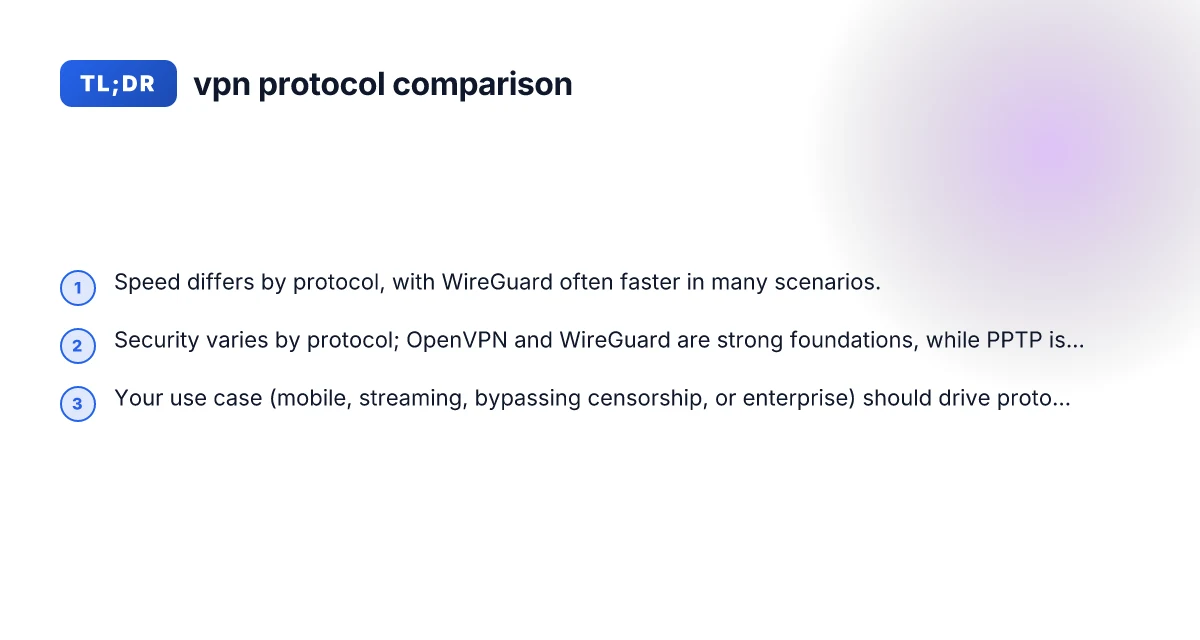
No single protocol is best for every situation. Most modern users are likely to benefit from at least one fast, secure protocol (often WireGuard or OpenVPN) plus a mobile-friendly option (IKEv2) for changing networks.
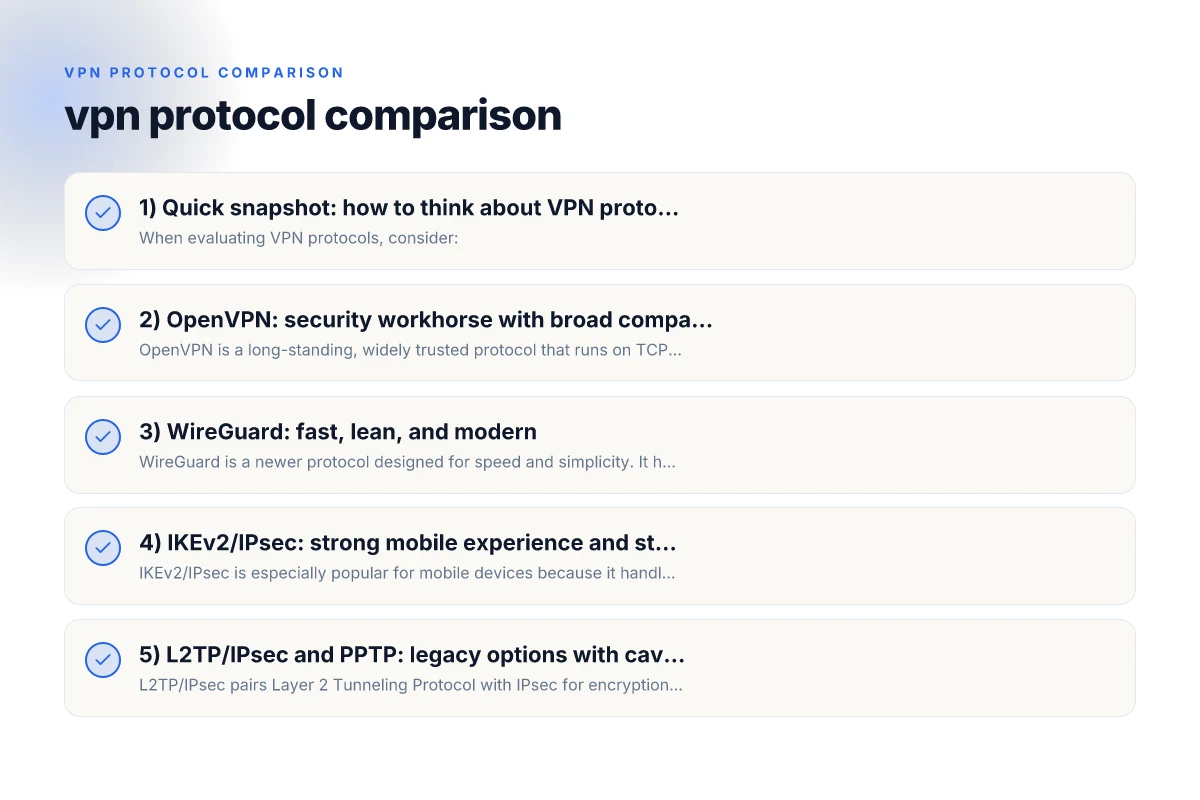
2) OpenVPN: security workhorse with broad compatibility
OpenVPN is a long-standing, widely trusted protocol that runs on TCP or UDP. It’s known for strong encryption options, robust community support, and good cross-platform compatibility. It’s often configurable to strike a balance between speed and security.
Key characteristics:
- Security: strong cryptographic options (AES-256, TLS authentication), many implementations support modern ciphers.
- Speed: generally solid. Can be slower than WireGuard in some scenarios due to heavier encryption and TLS overhead.
- Compatibility: excellent on Windows, macOS, Linux, iOS, Android, and many routers.
- Use case: secure browsing, enterprise deployments, environments where auditability and broad support matter.
Pros: VPN fortclient: what it is, how it works
- Mature, well-vetted security model
- Flexible configurations (UDP for speed, TCP for reliability)
- Strong firewall and network compatibility
Cons:
- Can be more complex to set up and troubleshoot
- May introduce more latency on inefficient networks
3) WireGuard: fast, lean, and modern
WireGuard is a newer protocol designed for speed and simplicity. It has a smaller codebase, modern cryptography, and tends to outperform older protocols on many networks. It’s especially popular for mobile use and when speed is a priority.
Key characteristics:
- Security: uses modern cryptography with strong defaults. Easy to audit due to smaller codebase.
- Speed: often the fastest option, with low overhead and efficient roaming for mobile users.
- Compatibility: supported on major platforms, but some older devices may require updates or third-party apps.
- Use case: streaming, gaming, mobile connectivity, and scenarios where low latency is valuable.
Pros:
- High throughput and low latency
- Simple configuration and quick connection times
- Strong security posture with forward secrecy and minimal surface area
Cons: Turn off Surfshark VPN
- Relatively newer. Some corporate environments may still prefer OpenVPN/IPsec for compatibility
- Fewer legacy integration options than OpenVPN in certain setups
4) IKEv2/IPsec: strong mobile experience and stability
IKEv2/IPsec is especially popular for mobile devices because it handles network switches (like moving from Wi-Fi to cellular) smoothly. It’s fast, secure, and resilient on mobile networks.
Key characteristics:
- Security: robust encryption options; IPsec provides strong baseline security.
- Speed: generally fast, with efficient performance on mobile networks.
- Compatibility: broad support across iOS, Android, Windows, macOS, and some routers.
- Use case: mobile users, enterprise remote access, and situations where quick re-establishment after network changes matters.
Pros:
- Excellent stability when switching networks
- Quick reconnects and good battery efficiency on mobile
- Solid security guarantees
Cons:
- Less flexible in some consumer router environments
- May require more setup complexity on non-native clients
Protocol feature comparison Reinstall nord VPN after reset
| Feature | OpenVPN | WireGuard | IKEv2/IPsec | L2TP/IPsec / PPTP |
|---|---|---|---|---|
| Encryption options | Customizable ciphers | Fixed: ChaCha20-Poly1305 | Strong: AES-GCM,ChaCha20 | L2TP/IPsec: AES; PPTP: MPPE (legacy) |
| NAT traversal | Yes | Yes | Yes | Yes (L2TP/IPsec); PPTP depends |
| Roaming handoff | Good | Excellent | Excellent | Moderate to poor for PPTP |
| Open-source | Yes | Yes | Mixed (IPsec stack varies) | Partially open (PPTP legacy) |
| Firewall friendliness | Good | Good | Good | PPTP often blocked/deprecated |
Compiled November 2026; check the provider's site for current details.
5) L2TP/IPsec and PPTP: legacy options with caveats
L2TP/IPsec pairs Layer 2 Tunneling Protocol with IPsec for encryption. PPTP is an older protocol that designed for speed but has known security weaknesses.
Key characteristics:
- L2TP/IPsec
- Security: stronger than PPTP, but depends on the correct IPsec configuration.
- Speed: generally decent, but can be slower than WireGuard or OpenVPN in practice.
- Compatibility: widely supported, including on many routers.
- Use case: environments needing straightforward setup and decent security without OpenVPN complexity.
- PPTP
- Security: widely regarded as insecure for modern use. Not recommended for sensitive data.
- Speed: can be fast due to simple design.
- Compatibility: very broad. Usable on many devices.
- Use case: very old devices or single-purpose networks where security isn’t critical.
Takeaway: L2TP/IPsec is acceptable for less sensitive tasks, but PPTP should almost always be avoided for anything requiring privacy or data security.
6) A quick comparison: a practical table for decision-making
| Protocol | Best for | Strengths | Common trade-offs |
|---|---|---|---|
| OpenVPN | General security and compatibility | Mature, highly configurable, broad support | Could be slower; setup can be complex |
| WireGuard | Speed and mobile use | Fast, lean codebase, easy roaming | Newer; some corporate ecosystems slower to adopt |
| IKEv2/IPsec | Mobile users, stability | Fast reconnects, great on changing networks | Interoperability can vary by platform; some VPNs lock features |
| L2TP/IPsec | Easy setup, decent security | Broad compatibility, easy to configure | Slower than WireGuard/OpenVPN; IPsec can misconfigure leaks |
| PPTP | Legacy, very old devices | Very fast on old hardware | Insecure; not suitable for privacy |
Note: The landscape evolves, and implementations differ by provider. When evaluating a VPN service, look at how they implement the protocol (encryption ciphers, perfect forward secrecy, DNS leak protection, and kill switch) rather than the protocol alone. NordVPN blocking Google
7) How to choose the right protocol for your use case
- For streaming and gaming on fast connections: WireGuard is often a top pick due to speed and low latency.
- For secure remote access in enterprise environments: OpenVPN remains a robust choice because of its maturity, configurability, and auditability.
- For frequent device switching and mobile work: IKEv2/IPsec shines with seamless transitions and quick reconnects.
- For simplicity and broad compatibility on older hardware: L2TP/IPsec can be a practical option, but confirm encryption and leak protections.
- For legacy devices or very simple, low-risk tasks: PPTP is generally not recommended due to security concerns.
Tips for picking a provider:
- Check how the provider configures the protocol:
- Do they enable perfect forward secrecy (PFS)?
- What ciphers are used (e.g., AES-256-GCM vs. older options)?
- Do they implement DNS leak protection and a kill switch?
- Test performance with your own devices and network:
- Run speed tests on different servers and note latency changes across protocols.
- Check stability across roaming between networks (home, mobile hotspot, public Wi-Fi).
- Consider the platform and router support:
- If you plan to use a VPN on a router, verify that the router firmware supports the protocol you want.
8) Common misconceptions and clarifications
- More security automatically means slower performance: Not always. Modern protocols like WireGuard can provide both strong security and speed with efficient design.
- OpenVPN is always the slowest option: It depends on configuration and network conditions. In some cases, well-tuned OpenVPN can perform very competitively.
- The best protocol for all users is WireGuard: While WireGuard is excellent for many scenarios, some corporate environments prefer OpenVPN for its mature ecosystem and extensive policy controls.
Decision table by use case
| Use case | Best fit protocol | Why | Alternatives if needed | Notes |
|---|---|---|---|---|
| Extreme mobility (phone on the go) | IKEv2/IPsec | Stable handoffs; fast reconnect | WireGuard | Ensure mobile config ready |
| Broad compatibility, enterprise | OpenVPN | Works on many devices | IKEv2/IPsec | Consider enterprise setup cost |
| Simplicity and speed for casual users | WireGuard | Lightweight, easy to deploy | OpenVPN | Watch for compatibility gaps |
| Legacy systems or strict firewalls | L2TP/IPsec / PPTP | PPTP is legacy; L2TP/IPsec widely supported | OpenVPN | Prefer L2TP/IPsec over PPTP if possible |
Compiled November 2026; check the provider's site for current details.
9) Short final section: recommendation
For most individual users who want a strong balance of speed and security, start with WireGuard for daily use and keep OpenVPN as a fallback option for compatibility or enterprise-style configurations. On mobile devices, IKEv2/IPsec is a valuable option to ensure smooth handoffs between networks. If you must support legacy devices or simpler setups, L2TP/IPsec can fill that niche, but avoid PPTP for anything sensitive.
As you evaluate VPN services, prioritize the provider’s implementation details: encryption ciphers, DNS leak protection, kill switch behavior, and device support. A protocol is only as safe as its implementation and how well it’s actually used in practice. Microsoft Edge Secure Network VPN: What It Is, How It Works, and What It Really Covers
| VPN | From / month | Plan | Free plan | Refund | Alipay | UnionPay | Crypto | Website opens in China | Trustpilot | |
|---|---|---|---|---|---|---|---|---|---|---|
 ZoogVPN | $2.49/mo | 27 months: $59.99 | Yes | 7 days | ✓ | ✓ | ✓ | ✓ | ✓ Yes (2.5 s) | 4.2/5 (195 reviews) |
 NordVPN | $3.49/mo | 27 months: $94.23 | No | 30 days | ? | ✗ | ✓ | ✓ | ✗ Blocked | 4.2/5 (51,628 reviews) |
 ExpressVPN | $3.00/mo | 28 months: $84 | No | 30 days | ✗ | ✗ | ✓ | ✗ | ✗ Blocked | 4.4/5 (29,706 reviews) |
 Surfshark | See site | See site | No | 30 days | ✗ | ✗ | ✗ | ✓ | ✗ Blocked | 4.3/5 (31,823 reviews) |
 Proton VPN | $2.99/mo | 12 months: $35.88 | Yes | 30 days | ✗ | ✗ | ✗ | ✓ | ✓ Yes (2.5 s) | 2.1/5 (1,040 reviews) |
 Astrill VPN | $12.50/mo | 24 months: $300 | No | See site | ✗ | ✗ | ✗ | ✓ | ✗ Blocked | 1.3/5 (110 reviews) |
 Private Internet Access | $2.03/mo | 40 months: $81.2 | No | 30 days | ✗ | ✗ | ✗ | ✗ | ✗ Blocked | 4.2/5 (11,033 reviews) |
 CyberGhost | $2.19/mo | 28 months: $61.32 | No | 45 days | ✗ | ✗ | ✗ | ✓ | ✗ Blocked | 4.0/5 (24,178 reviews) |
 PureVPN | $1.69/mo | 60 months: $101.55 | No | 31 days | ? | ✗ | ✗ | ✓ | ✓ Yes (2.6 s) | 4.4/5 (17,994 reviews) |
 AdGuard VPN | $2.99/mo | 24 months: $71.76 | Yes | 30 days | ✓ | ✗ | ✓ | ✓ | Official site blocked; our special link opens (2.3 s) | 4.3/5 (290 reviews) |
 Mullvad | $5.61/mo | €5/mo | No | 14 days | ✗ | ✗ | ✗ | ✓ | ✗ Blocked | 3.2/5 (192 reviews) |
 Windscribe | $5.75/mo | 12 months: $69 | Yes | See site | ✗ | ✗ | ✗ | ✓ | ✗ Blocked | 4.7/5 (13,355 reviews) |
 StrongVPN | See site | See site | No | 30 days | ✓ | ✗ | ✗ | ✗ | ✗ Blocked | 4.4/5 (2,695 reviews) |
 LightXtreme 闪连 | $7.08/mo | 12 months: $84.99 | Yes | 30 days | ✓ | ✓ | ✓ | ✓ | ✓ Yes (2.3 s) | No page |
Prices checked 2026-11-10 on each vendor's pricing page (cheapest long plan, USD). Check the vendor's checkout for the final price.
Payment methods checked 2026-11-10 on each vendor's payment pages: all 14 take cards and PayPal; ✗ = not listed, ? = the vendor's own pages disagree.
China access: whether the official website opens from mainland China networks (tests the website only, not the VPN connection). Last checked 2026-11-11 04:07 Beijing time.
Trustpilot score and review count checked 2026-11-10.