
Snapchat stories: everything you need to know about viewing, sharing, and managing
A practical guide to Snapchat Stories, how they work, how to view, share, and create, plus tips for privacy and etiquette.

Snapchat Stories are a core feature that lets people share moments with friends or the public. They’re designed to be temporary, social, and easy to curate. Whether you’re chasing personal memories with friends or aiming to reach a wider audience, understanding how Stories work helps you get the most out of the app. Below is a clear, practical guide to viewing, creating, sharing, and managing Snapchat Stories.

What is a Snapchat Story?
- A Story is a sequence of Snaps (photos or videos) that you or others publish.
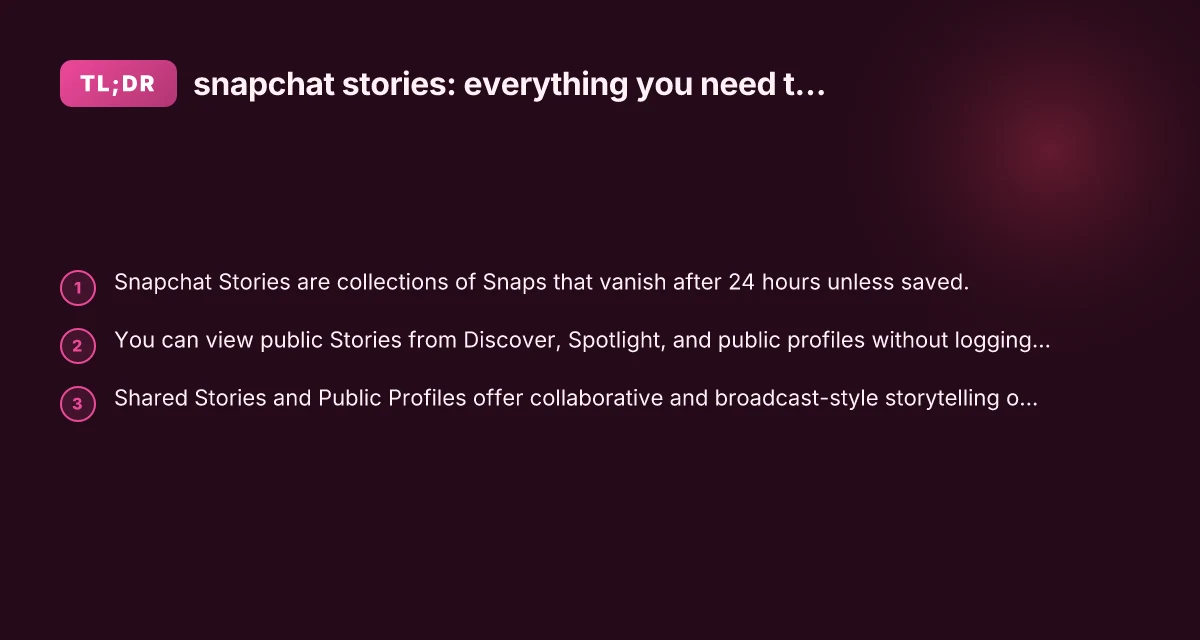
- By default, a Story lasts 24 hours before it disappears, unless you save Snaps to Highlights or your device.
- Stories can be private (Shared with friends) or public (through Public Profiles or Discover content).
Types of Stories you’ll encounter
- Private Stories: Visible to a selected group of friends or specific people.
- Public Stories: Found in Discover, Spotlight, or on a creator’s Public Profile.
- Shared Stories: A collaborative Story where you and your chosen friends can add Snaps.
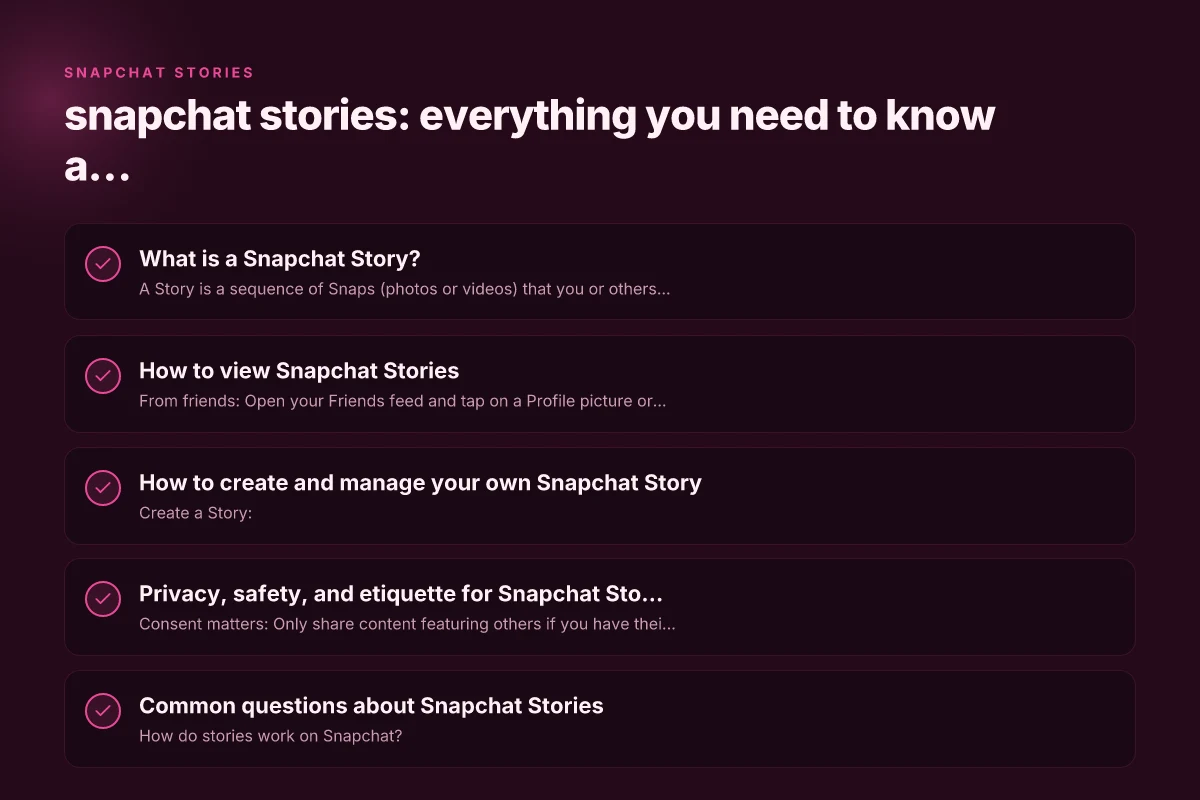
How to view Snapchat Stories
- From friends: Open your Friends feed and tap on a Profile picture or Story icon to view their latest Snaps.
- Discover: Access top creators, media partners, and curated content in the Discover section.
- Spotlight: Browse short-form content, often set up as a public Story feed from a wide range of creators.
- Public Profiles: Some creators and brands publish Stories on their Public Profiles, which you can view without needing a private chat.
- Anonymous viewers: There are third-party tools claiming to let you view public Stories anonymously, but using such services can violate Snapchat’s terms and pose privacy and security risks. Always use native Snapchat features to view content.
Notes on viewing history and privacy
- Views are typically counted and can be seen by the Story owner unless the owner has disabled view counts.
- Some Stories may have view limits or audience restrictions set by the author.
How to create and manage your own Snapchat Story
- Create a Story:
- Open the camera screen, capture or upload Snaps, then tap the “My Story” icon to publish.
- You can add captions, stickers, filters, music, or drawings to each Snap.
- Public Profile and Stories:
- You can add Snaps or photos to a Public Profile Story for broader visibility.
- Public Profiles give creators a platform to share more consistently with a wider audience.
- Shared Stories:
- Start a Shared Story by selecting “Add to Shared Story” and inviting friends to contribute.
- Only invited participants can view and add Snaps to a Shared Story.
- Highlights:
- Save Snaps to your device or add to a Highlight on your profile to keep them beyond 24 hours.
Tips for high-quality Story creation
- Plan a loose sequence: Think of a beginning, middle, and end to keep viewers engaged.
- Use vertical video: Snap content performs best in vertical format.
- Add context with text: Brief captions help convey meaning, especially with muted viewing.
- Incorporate polls or questions: Increase engagement by inviting responses.
- Consistent branding: If using for a brand, maintain a consistent tone, color palette, and style.
Privacy, safety, and etiquette for Snapchat Stories
- Consent matters: Only share content featuring others if you have their consent, especially in private or mixed audiences.
- Respect audience expectations: Public Stories reach a broader audience. Be mindful of what you publish.
- Control who can view: Use Custom or All Friends settings if you want more control over your private Stories.
- Beware of long-term exposure: Even though Snaps vanish, some content may be saved by others unless you disable saves or use privacy controls.
- Report inappropriate content: If you encounter abuse or harassment in Stories, use Snapchat’s reporting tools.
Common questions about Snapchat Stories
- How do stories work on Snapchat?
- You post Snaps to your Story or a Shared Story. They’re visible to your chosen audience for 24 hours (or longer if saved to Highlights) and then disappear unless saved.
- Can you tell if someone views your Snap story twice?
- Snapchat shows a per-view count for many Stories, but it doesn’t always indicate repeat views by the same person in a straightforward way. The broader Viewers list shows who has seen your Story.
- Can people see if you viewed their Snapchat story?
- The owner of the Story can see who viewed it. They’ll see a list of viewers. If you viewed a private or restricted Story, you appear in the view list for that Story.
- Why do I see other people's stories on Snapchat?
- Discover and Spotlight are designed to surface public content from creators, brands, and the community. If you want to limit this, you can adjust your Discover preferences or block certain creators.
Feature comparison: private vs public vs shared Stories
| Feature | Private Story (Friends) | Public Profile Story | Shared Story |
|---|---|---|---|
| Audience | Specific friends or groups | Anyone, depending on profile settings | Invited friends only |
| Viewability | Your chosen audience | Public or audience defined by profile | Invited participants only |
| Creation tools | Standard Snaps with editing options | Snaps plus public-facing branding | Group collaboration tools |
| Longevity | 24 hours by default (can save to Highlights) | 24 hours (or more if saved as Highlights) | 24 hours for the Story duration, updates possible while active |
| Best use case | Personal moments, private updates | Brand storytelling, creator content | Collaborative events or group moments |
How to optimize your Snapchat Story strategy
- For personal use:
- Post at times when friends are most active. Early evenings and weekends often see higher engagement.
- Keep Stories short and cohesive. A quick 3-5 Snaps sequence often performs better than lengthy uploads.
- Use interactive features (polls, questions) to spark replies.
- For creators or brands:
- Maintain a consistent posting cadence to build audience expectations.
- Cross-promote: reference your Story in other channels, and use a Public Profile to reach new users.
- Use Highlights to preserve best content beyond 24 hours.
- If you want to save content:
- Save Snaps to your device when appropriate, or add them to Highlights on your profile.
Final recommendations
- Start with your audience in mind: private Stories for close friends, public Stories for reach.
- Treat your Story as a mini-narrative: hook, develop, close. Use captions and music to enhance meaning.
- Use privacy controls wisely: adjust who can view your Stories and consider enabling audience limits on sensitive content.
- Experiment with formats: try a mix of photos, vertical videos, text overlays, and interactive features to keep your audience engaged.
- Stay within platform policies: avoid sharing content that violates Snapchat’s terms, especially when it involves minors or sensitive material.
If you’re new to Snapchat Stories, begin by posting a small, friendly sequence for a familiar audience. As you gain confidence, experiment with public-facing content on Discover or your Public Profile to grow your reach. Remember, Stories are designed to capture moments in motion, short, authentic, and timely moments that reflect your personality or brand.