
Err_http2_protocol_error: what it is and how to fix it
A practical guide to understanding and resolving ERR_HTTP2_PROTOCOL_ERROR across browsers and servers.

HTTP/2 is designed to speed up web traffic, but when things don’t line up correctly between a client (like Chrome) and a server, you may see ERR_HTTP2_PROTOCOL_ERROR. This error is a generic signal that something went wrong in the HTTP/2 protocol layer during a request or response. It can appear when loading a single site, across many sites, or intermittently, depending on network conditions and server behavior. The exact cause can vary, but there are common patterns and reliable steps you can take to diagnose and fix it.

What is ERR_HTTP2_PROTOCOL_ERROR?
ERR_HTTP2_PROTOCOL_ERROR is a browser error indicating that the HTTP/2 connection encountered a protocol issue. Unlike a 4xx or 5xx HTTP status code, this error reflects a failure in how the HTTP/2 frames were exchanged, processed, or interpreted. It can stem from mismatched header frames, malformed responses, or intermediary devices mutating traffic.
Common symptoms
- The page loads for some users but not others.
- The error surfaces in multiple browsers that support HTTP/2.
- Clearing caches or disabling HTTP/2 temporarily resolves or postpones the issue.
- The problem reappears after certain server or network changes.
Typical root causes
- Server misconfiguration or bugs in the HTTP/2 implementation.
- Malformed response headers (for example, CSP headers or other critical headers that violate HTTP/2 framing rules).
- Proxies, load balancers, or CDNs modifying HTTP/2 traffic.
- Client-side issues such as extensions or antivirus software interfering with connections.
- Inconsistent TLS settings or certificate-related negotiation problems.
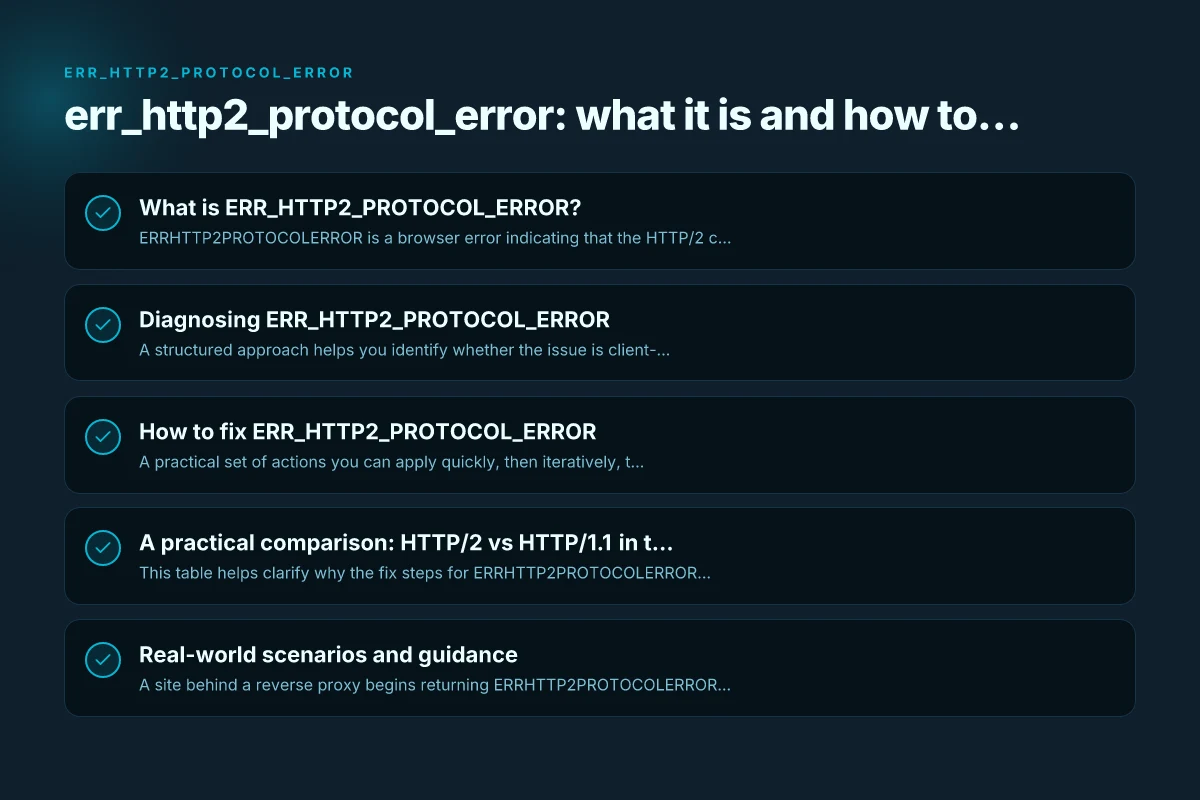
Diagnosing ERR_HTTP2_PROTOCOL_ERROR
A structured approach helps you identify whether the issue is client-side, server-side, or intermediary.
Client-side checks
- Disable extensions and try a fresh browser profile.
- Test with HTTP/2 disabled (to verify if the issue is specifically tied to HTTP/2).
- Clear browser cache and cookies, then reload.
- Try different networks (e.g., mobile data vs. Wi-Fi) to rule out corporate proxies or VPNs.
Server-side checks
- Review server logs for errors during HTTP/2 frame handling.
- Check TLS configuration and cipher suites. Ensure modern TLS settings.
- Validate header generation logic to avoid malformed or conflicting headers.
- Look for recent changes to the web server, load balancer, or CDN that might affect HTTP/2.
Intermediaries and network paths
- Inspect proxies, reverse proxies, and CDN configurations that sit between client and origin.
- Temporarily bypass or disable intermediaries to see if the error persists.
- Check for firewall or security appliances that may alter HTTP/2 frames.
How to fix ERR_HTTP2_PROTOCOL_ERROR
A practical set of actions you can apply quickly, then iteratively, to isolate and fix the issue.
Step-by-step remedy
- Clear client-side caches
- In Chrome: Settings > Privacy and security > Clear browsing data.
- Choose cached images and files, cookies, and site data if you want a full reset.
- Disable HTTP/2 temporarily (at least for testing)
- Chrome: Start with the site in incognito or disable HTTP/2 using chrome://flags (not recommended for long-term use).
- Web servers: Temporarily turn off HTTP/2 to see if the site loads with HTTP/1.1.
- Check server response headers
- Look for malformed headers, especially CSP, CSP-Report-Only, or custom security headers.
- Ensure header values are compliant with HTTP/2 framing rules (no invalid characters, correct formatting).
- Review TLS and cipher suites
- Ensure TLS 1.2 or TLS 1.3 is negotiated cleanly.
- Avoid deprecated ciphers and misconfigured ALPN/NPN settings.
- Inspect proxies, load balancers, and CDNs
- If you use a CDN, verify that edge servers are configured for HTTP/2.
- Check any rewrite rules or header manipulation at the proxy layer.
- Test with a clean environment
- Access the site from a different device or network.
- Temporarily disable antivirus or security software that could intercept TLS traffic.
When you should escalate
- The error persists across multiple clients and networks.
- Logs show consistent protocol violations or frame corruption.
- A recent deployment introduced a misconfiguration in headers or TLS.
A practical comparison: HTTP/2 vs HTTP/1.1 in the context of this error
| Aspect | HTTP/2 | HTTP/1.1 |
|---|---|---|
| Connection model | Multiplexed streams over a single TCP connection | Separate transactions per request/response |
| Common failure mode for ERR_HTTP2_PROTOCOL_ERROR | Malformed frames, header issues, or proxy interference | Not applicable; focuses on HTTP/1.1 framing and semantics |
| Debug approach | Check TLS, ALPN, proxies, and header framing | Debug headers, caches, and per-request behavior |
| User impact | Page may fail to load or become intermittently unavailable | Similar issues may appear but without HTTP/2 framing concerns |
This table helps clarify why the fix steps for ERR_HTTP2_PROTOCOL_ERROR often involve inspecting proxies, TLS, and header generation, rather than just general network problems.
Real-world scenarios and guidance
- A site behind a reverse proxy begins returning ERR_HTTP2_PROTOCOL_ERROR after a TLS renewal. The fix often involves ensuring the proxy passes through ALPN properly and does not rewrite critical headers in a way that breaks HTTP/2.
- A content delivery network introduces a bug in edge server configuration, causing intermittent protocol violations. The solution is to roll back or patch edge server settings and validate with a controlled test such as a canary deployment.
- A developer observes that CSP headers seem to trigger the error on certain browsers. Investigating the header values and how they’re serialized can reveal misconfigurations that violate HTTP/2’s expectations.
Quick tips for site operators
- Keep your HTTP/2 implementation up to date. Frameworks, web servers, and proxies frequently fix protocol edge cases.
- Use linting and testing tools to validate response headers and their serialization under HTTP/2.
- Regularly monitor TLS handshakes and ALPN negotiation in your logs.
- Consider a staged rollout for configuration changes that affect HTTP/2 behavior.
Final recommendations
ERR_HTTP2_PROTOCOL_ERROR is a hint that something in the HTTP/2 fabric is not aligning between client and server or through an intermediary. Start with client-side cache and network checks to rule out local issues. Then, methodically inspect server configurations, header generation, and any proxies or CDNs involved. If the error persists, collect detailed logs from both client and server sides, reproduce the issue in a controlled environment, and work with your hosting or CDN provider to pinpoint the protocol mismatch. With a disciplined debugging approach, you can restore stable HTTP/2 behavior and reduce user-facing errors. Jokercard.ca: Your Guide to the Joker Prepaid Card in Canada