How to Add or Change a VPN Connection in Windows 11
Add a VPN in Windows 11 through Settings, connect with your provider’s details, and edit or remove the connection when needed.

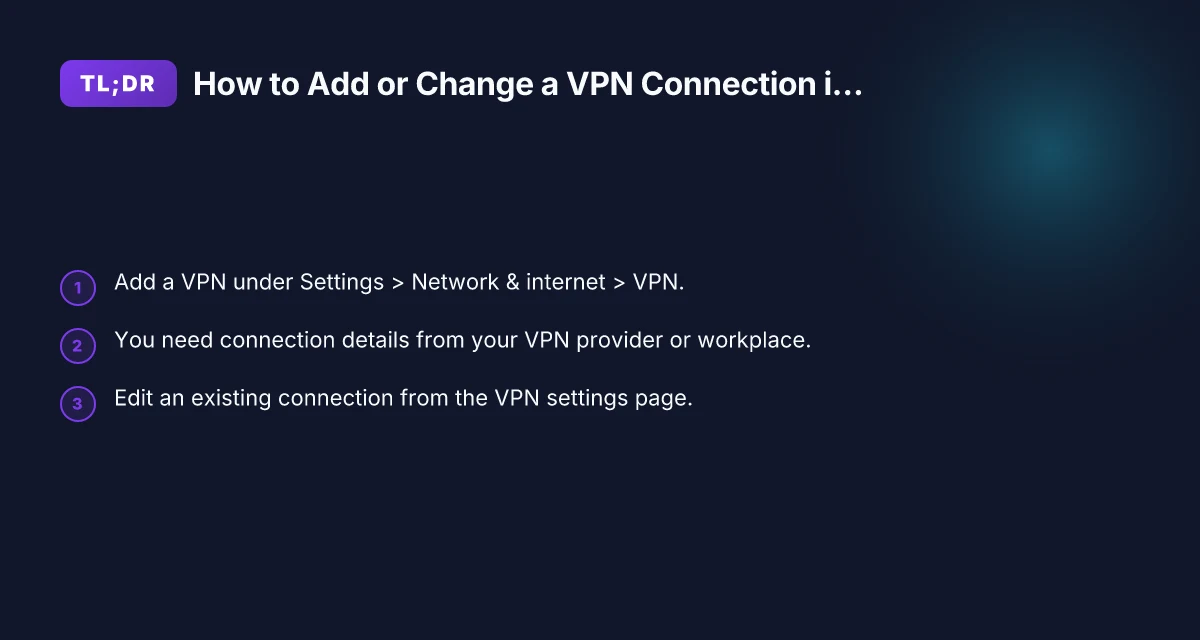
To add or change a VPN connection in Windows 11, open Settings > Network & internet > VPN. Select Add VPN to enter the connection details supplied by your VPN provider or workplace. To update a saved connection, open its options on the same page and choose Edit.
Windows 11’s built-in VPN settings let you configure and manage a connection, but they do not provide a VPN service or connection details. Get the server address, VPN type, and sign-in information from the organization or provider that operates the VPN.
| VPN | Obfuscation | From / month | Plan | Free plan | Refund | Alipay | UnionPay | Crypto | Website opens in China | Trustpilot | |
|---|---|---|---|---|---|---|---|---|---|---|---|
 ZoogVPN | Turn on manually Shadow | $2.49/mo | 27 months: $59.99 | Yes | 7 days | ✓ | ✓ | ✓ | ✓ | Official site blocked; our special link opens (4.4 s) | 4.2/5 (195 reviews) |
 NordVPN | Turn on manually Obfuscated Servers / NordWhisper | $3.49/mo | 27 months: $94.23 | No | 30 days | ? | ✗ | ✓ | ✓ | ✗ Blocked | 4.2/5 (51,628 reviews) |
 ExpressVPN | ✓ On by default all servers | $3.00/mo | 28 months: $84 | No | 30 days | ✗ | ✗ | ✓ | ✗ | ✗ Blocked | 4.4/5 (29,706 reviews) |
 Surfshark | ✓ On by default Camouflage, with OpenVPN | See site | See site | No | 30 days | ✗ | ✗ | ✗ | ✓ | ✗ Blocked | 4.3/5 (31,823 reviews) |
 Proton VPN | Turn on manually Stealth, free plan too | $2.99/mo | 12 months: $35.88 | Yes | 30 days | ✗ | ✗ | ✗ | ✓ | ✗ Blocked | 2.1/5 (1,040 reviews) |
 Astrill VPN | Turn on manually StealthVPN / OpenWeb | $12.50/mo | 24 months: $300 | No | See site | ✗ | ✗ | ✗ | ✓ | ✗ Blocked | 1.3/5 (110 reviews) |
 Private Internet Access | Turn on manually Shadowsocks, OpenVPN only | $2.03/mo | 40 months: $81.2 | No | 30 days | ✗ | ✗ | ✗ | ✗ | ✗ Blocked | 4.2/5 (11,033 reviews) |
 CyberGhost | Turn on manually selected servers | $2.19/mo | 28 months: $61.32 | No | 45 days | ✗ | ✗ | ✗ | ✓ | ✗ Blocked | 4.0/5 (24,178 reviews) |
 PureVPN | Turn on manually switch to OpenVPN | $1.69/mo | 60 months: $101.55 | No | 31 days | ? | ? | ✗ | ✓ | ✗ Blocked | 4.4/5 (17,994 reviews) |
 AdGuard VPN | ✓ On by default TrustTunnel | $2.99/mo | 24 months: $71.76 | Yes | 30 days | ✓ | ✗ | ✓ | ✓ | Official site blocked; our special link opens (3.7 s) | 4.3/5 (290 reviews) |
 Mullvad | Turn on manually QUIC / Shadowsocks / LWO | $5.61/mo | €5/mo | No | 14 days | ✗ | ✗ | ✗ | ✓ | ✗ Blocked | 3.2/5 (192 reviews) |
 Windscribe | Turn on manually Stealth / WStunnel | $5.75/mo | 12 months: $69 | Yes | See site | ✗ | ✗ | ✗ | ✓ | ✗ Blocked | 4.7/5 (13,355 reviews) |
 StrongVPN | Turn on manually Scramble, OpenVPN TCP | See site | See site | No | 30 days | ✓ | ✗ | ✗ | ✗ | ✗ Blocked | 4.4/5 (2,695 reviews) |
 LightXtreme 闪连 | Not listed | $7.08/mo | 12 months: $84.99 | Yes | 30 days | ✓ | ✓ | ✓ | ✓ | ✓ Yes (3.5 s) | No page |
Prices checked 2026-11-10 on each vendor's pricing page (cheapest long plan, USD). Check the vendor's checkout for the final price.
Obfuscation checked 2026-11-14 on each vendor's site and help center: "on by default" = nothing to set; "turn on manually" = switch protocol or mode in settings; "not listed" = the vendor describes no obfuscation.
Payment methods checked 2026-11-10 on each vendor's payment pages: all 14 take cards and PayPal; ✗ = not listed, ? = the vendor's own pages disagree.
China access: whether the official website opens from mainland China networks (tests the website only, not the VPN connection). Last checked 2026-11-18 01:02 Beijing time.
Trustpilot score and review count checked 2026-11-10.

Editor's pick: NordVPN — fast, secure VPN — Strong encryption, a no-logs policy and apps for every device. 30-day money-back guarantee. Get NordVPN →
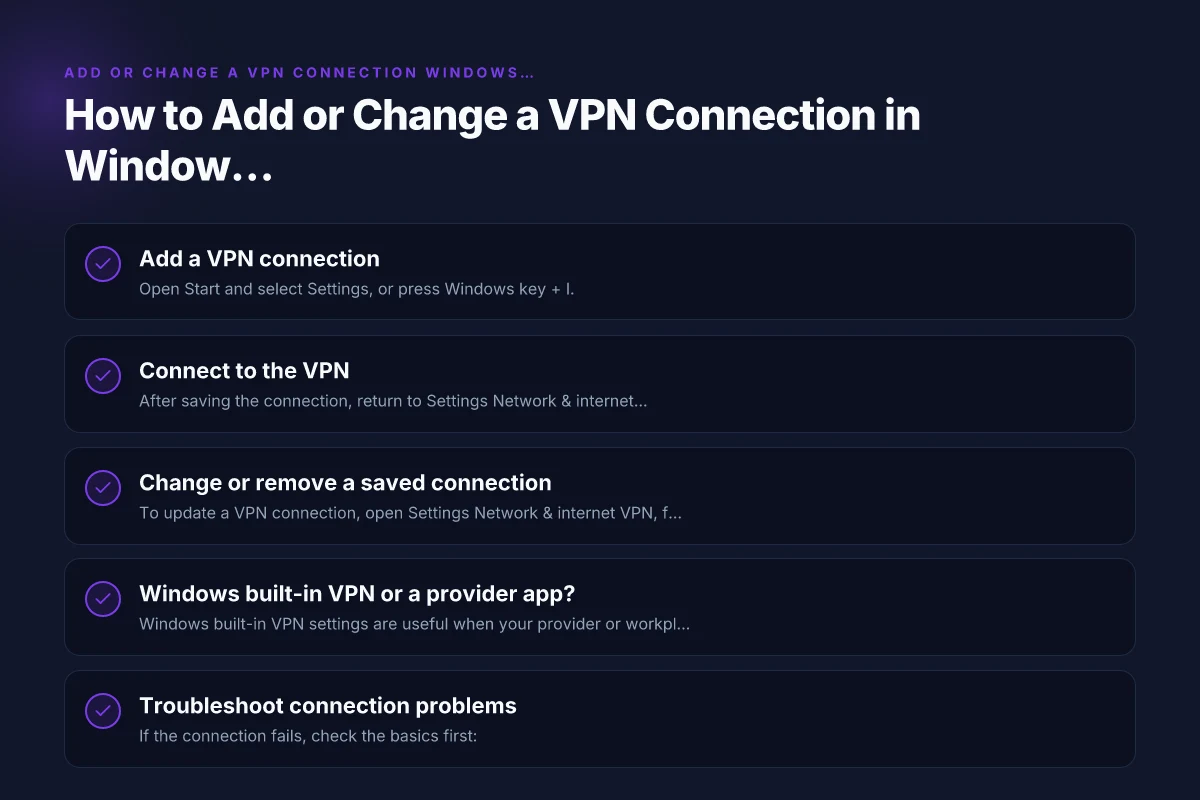
Add a VPN connection
- Open Start and select Settings, or press Windows key + I.
- Select Network & internet, then VPN.
- Select Add VPN.
- Complete the fields in Add a VPN connection:
- VPN provider: Choose Windows (built-in).
- Connection name: Enter a name you’ll recognize, such as your workplace or provider’s name.
- Server name or address: Enter the address supplied by your VPN provider or network administrator.
- VPN type: Choose the type specified in the setup instructions. If you’re unsure, ask the provider or administrator rather than guessing.
- Type of sign-in info: Select the method you were instructed to use, such as a username and password.
- Enter your sign-in information if the form asks for it.
- Select Save.
The exact options you need depend on the VPN service. Some connections require additional software, a certificate, or other configuration beyond the Windows settings form. Follow the provider’s instructions if they differ from these general steps.
Connect to the VPN
After saving the connection, return to Settings > Network & internet > VPN. Find the connection you added and select Connect. You may also be able to connect from the Windows network controls: select the network, sound, or battery area on the taskbar, choose VPN, and select the connection.
If Windows prompts you for credentials, enter the information provided by your VPN service or administrator. When the connection is active, the VPN page shows its status, and you can select Disconnect when you no longer need it.
| Task | Where to go |
|---|---|
| Add a connection | Settings > Network & internet > VPN > Add VPN |
| Connect or disconnect | Settings > Network & internet > VPN |
| Change saved details | Open the connection’s options and select Edit |
| Remove a connection | Open the connection’s options and select Remove |
The taskbar’s quick settings may not show a VPN control in every setup. If you don’t see one, use the VPN page in Settings.
Change or remove a saved connection
To update a VPN connection, open Settings > Network & internet > VPN, find the connection, and open its options. Select Edit, change the relevant details, and save the update. You might need to disconnect before editing. Edge VPN: What It Is, How It Works, and Which Option to Choose
Use the details from your provider or administrator when changing the server address, VPN type, or sign-in method. An incorrect value can prevent Windows from connecting. If your username, password, certificate, or other authentication details have changed, update them as directed by the service.
To remove a connection you no longer use, open its options and select Remove. This deletes the saved connection from Windows. It does not cancel your VPN subscription or remove any separate VPN application.
Windows built-in VPN or a provider app?
Windows built-in VPN settings are useful when your provider or workplace gives you the information needed for a manual setup. A VPN provider may instead recommend its own app, which can configure the connection and offer service-specific features.
| Option | Best suited to |
|---|---|
| Windows built-in VPN | A workplace or provider that supplies manual connection settings |
| VPN provider’s app | A service that recommends its own app or provides app-specific features |
Before setting up a connection, check the provider’s documentation. If it directs you to install an app, use that app rather than entering settings that the provider has not supplied.
Troubleshoot connection problems
If the connection fails, check the basics first: VPN Edge: What It Does and Which Option to Choose
- Confirm the server address and VPN type match the instructions exactly.
- Check that your sign-in details are current and entered in the requested format.
- Make sure your internet connection works without the VPN.
- Ask your workplace administrator or VPN provider whether your account is enabled and whether more setup is required.
- If the provider uses a dedicated app or certificate, follow its installation instructions.
If you recently changed your password or received new connection settings, update the saved connection before trying again. Avoid guessing at technical settings: the provider or administrator can confirm which values and sign-in method to use.
Recommendation
Use Settings > Network & internet > VPN > Add VPN when your provider or workplace gives you manual connection details. For an existing connection, choose Edit to update it or Remove to delete it. If the provider recommends a dedicated app, follow its instructions instead.